
MASTER PHOTOSHOP FROM BEGINNER TO ADVANCED
A 6-week hybrid Photoshop course designed to help you edit with confidence, build professional workflows, master AI tools, and create portfolio-worthy projects.
18 Video Lessons
6 Learning weeks
1:1 Mentoring
PDF Guides
Weekly Challenges
6 Months Access
Does Photoshop feel overwhelming?
Many students start Photoshop courses only to quit after a few days because they don’t know where to begin.
They jump between random YouTube tutorials, learn isolated techniques, and never develop a professional workflow.
Photoshop Camp was designed differently.
A structured step-by-step system that takes you from the fundamentals to advanced retouching, AI-powered editing, compositing and portfolio creation.
What Makes Photoshop Camp Different?
Hybrid Learning Experience
Learn at your own pace while still receiving personalized guidance.
-
18 video lessons.
-
6 structured learning weeks.
-
Practical exercises.
-
Weekly challenges.
-
Optional 1:1 mentoring sessions.
-
6 months access.
Week 1 – Photoshop Foundations
- Interface and workflow
- Layers and masks
- Non-destructive editing
- File formats and export settings
Week 2 – Professional Retouching
- Dodge & Burn
- Frequency Separation
- Skin retouching
- Healing and cloning tools
Week 3 – Color & Mood
- Curves and Levels
- Selective Color
- LUTs
- Color theory
- Atmospheric effects
Week 4 – AI-Powered Editing
- Neural Filters
- Generative Fill
- Smart AI workflows
- Combining AI with traditional retouching
Week 5 – Creative Compositing
- Advanced selections
- Hair masking
- Double exposure
- Glitch effects
- Mockups
- Artistic compositions
Week 6 – Animation & Portfolio
- GIF creation
- Timeline animation
- Behance portfolio setup
- Final project presentation
What to expect from the Photoshop Camp and what my students say about it
Gisse es una profe super amorosa, didáctica y genial!💖, hicimos una hermosa salida fotográfica en lugares iconicos de recoleta donde nos enseñó a cómo mirar más allá de lo que se ve a simple vista para sacar fotos con mucho potencial! Ultra recomendable!🧡🧡
Meet Your Instructor
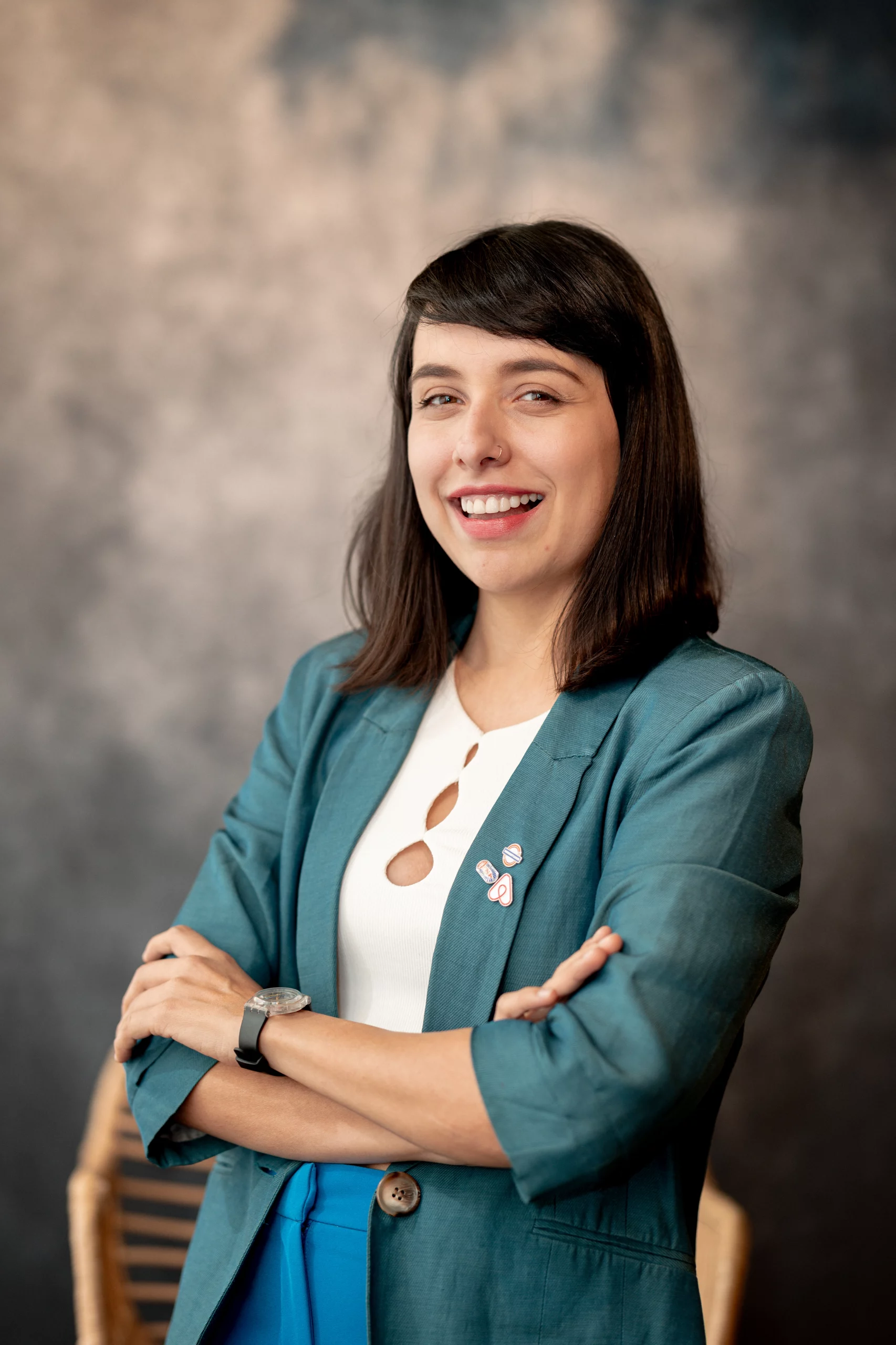
Hi, I’m Gissel
Professional photographer and visual artist based in Buenos Aires.
For years I’ve worked with travelers, brands and creative projects using Photoshop as an essential part of my workflow.
Photoshop Camp is the course I wish I had when I started: practical, structured and focused on real-world results.
What You’ll Be Able to Create
✅ Retouch portraits professionally
_____________________________
✅ Build non-destructive workflows
_____________________________
✅ Create advanced photo manipulations
______________________________
✅ Create GIF animations
______________________________
✅ Use AI tools responsibly
______________________________
✅ Present projects professionally
______________________________
✅ Build your first creative portfolio
______________________________
FULL COURSE ACCESS
6-week hybrid Photoshop course
Frecuent questions and answers
Is this course beginner friendly?
Yes. The course starts from the fundamentals and gradually progresses to advanced techniques.
How long do I have access?
You will have 6 months to complete the program at your own pace.
Are the mentoring sessions mandatory?
No. They are available for students who need additional guidance, although it is recommended to take them.
Do I need Photoshop Beta?
No. Most lessons can be completed with the standard version of Photoshop.
Will I receive a certificate?
Yes, after marking all modules complete, you will receive a Certificate of Participation.
Why do I only have access for 6 months?
In our experience, unlimited access often leads to procrastination. The 6-month access window is intentional: it creates a clear completion target while still giving students plenty of time to finish the 6-week program at their own pace.