
CREATIVE RESOURCES FOR PHOTOGRAPHERS & VISUAL CREATORS
A curated space for photographers and visual creators to explore Photoshop courses, presets, prompt guides, and downloadable tools designed to improve your editing workflow, strengthen your creative process, and support real-world projects.
6-week hybrid Photoshop course with 1:1 mentoring
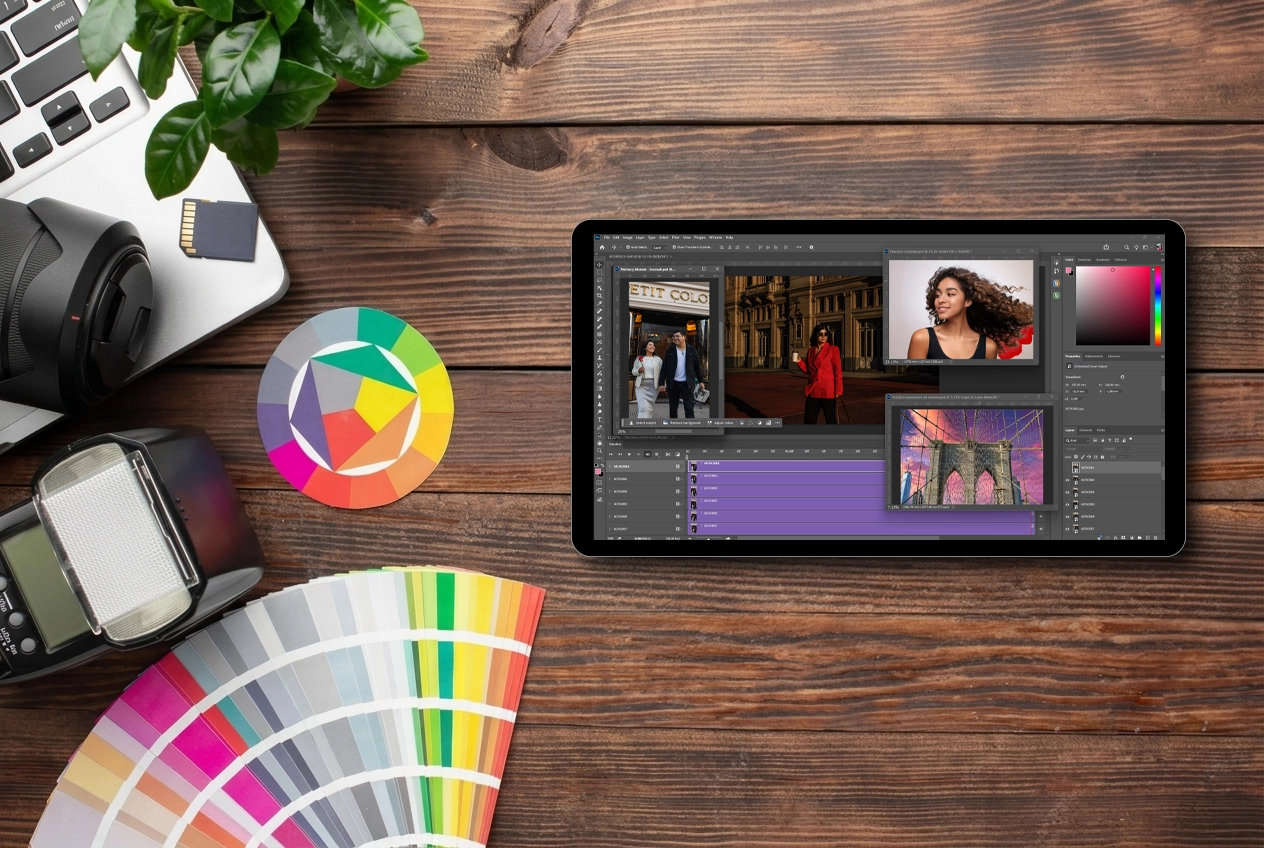
Photoshop Camp is the first featured program inside Creative Resources: a hybrid Photoshop course designed to help you go from beginner to advanced through a structured weekly system. The course combines video lessons, weekly PDF guides, practical challenges, and optional 1:1 mentoring to help students build real editing confidence and stronger workflows.
Coming soon
Presets
A curated collection of presets designed to speed up your editing process, create consistency across your work, and help you achieve polished, intentional results faster.
Prompt Guides
Practical prompt libraries and creative guides created to support ideation, AI-assisted editing, content creation, and more efficient visual workflows.
Workflow Guides
Practical guides designed to help photographers and visual creators build cleaner editing workflows, improve file organization, and work more efficiently from start to finish.
Candid Portrait Guides
Practical guides for creating natural, effortless-looking portraits through posing direction, movement prompts, and visual storytelling techniques.
About Creative Resources
Creative Resources is a growing learning hub built for photographers and visual creators who want to develop real-world editing skills, strengthen their creative workflow, and keep learning through practical, high-quality educational content. Every resource is designed with one goal in mind: helping you create better work with confidence and intention.
After years of working professionally as a photographer, educator, and Photoshop user, I realized that many creatives struggle not because they lack talent, but because they’re learning from scattered tutorials with no clear path. Creative Resources was created to solve that problem by bringing together structured courses, practical guides, and carefully designed tools that help you learn faster, stay inspired, and build skills you can apply to your own projects.
Whether you’re just getting started or looking to refine your editing process, this library will continue to grow with new courses, presets, prompt guides, and creative resources designed to support you at every stage of your journey
Photography Articles
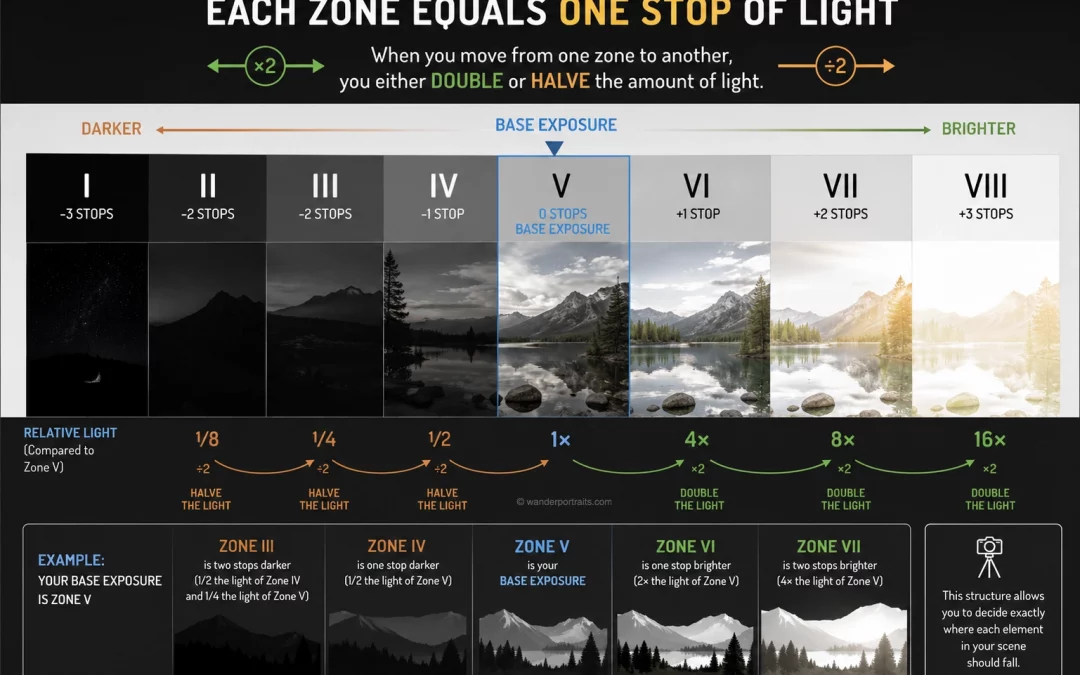
Zone System Photography Explained: How Light Multiplies and Divides
What is the zone system in photographyThe zone system in photography helps you control exposure by dividing light into clear tonal steps. Each zone represents a different brightness level, from pure black to pure white. The system was developed by Ansel Adams and Fred...
Frequently Asked Questions
What is Creative Resources?
Creative Resources is a curated section of Wander Portraits created for photographers and visual creators who want practical tools to improve their editing workflow, creative process, and technical skills. It brings together Photoshop education, downloadable resources, and future digital tools in one place.
Who is Creative Resources for?
Creative Resources is designed for photographers, visual creators, and beginners who want to improve their editing process through practical learning tools, creative guides, and structured educational resources.
What is Photoshop Camp?
Photoshop Camp is the first featured course inside Creative Resources. It is a 6-week hybrid Photoshop course designed to help students go from beginner to advanced through guided lessons, weekly challenges, downloadable PDF guides, and optional 1:1 mentoring support.
What kind of resources will be available here?
This hub includes Photoshop courses, prompt guides, presets, and future educational resources designed to support photographers and visual creators in their editing and creative workflow.
Do I need to be a professional to use these resources?
No. Creative Resources is designed to support different levels, from beginners who want to learn Photoshop step by step to photographers and creators looking to refine their workflow and expand their editing skills.
Are all resources available now?
Not yet. Photoshop Camp is the main featured resource available now, while additional products such as presets, prompt guides, and portrait resources are planned as the hub continues to grow.
Will new resources be added in the future?
Yes. Creative Resources is designed as a growing library, which means new educational tools, digital products, and practical resources may be added over time.
How do I get access to Photoshop Camp after I purchase it?
Within less than 24 hours of your purchase, we will contact you at the email address used at checkout to provide access to the course, coordinate your start date, and schedule your 1:1 tutoring sessions.